14 days free trial

GMB Messaging

XOLBY’s GMB Messaging feature allows businesses to communicate directly with their customers through Google My Business (GMB), streamlining interactions and enhancing customer support. By integrating GMB messaging into your workflow, you can respond to inquiries, manage customer relationships, and provide timely assistance—all within the GMB platform.
Trusted by top-tier product companies

Key Features of XOLBY GMB Messaging

Manage and respond to Google My Business messages directly within XOLBY. Get instant notifications for new messages, track conversation history, and assign messages to team members for efficient handling. Use automated replies for FAQs and manage messages on both desktop and mobile. Sync customer details to your CRM and monitor response times to ensure timely support.

Direct Google Messaging at Your Fingertips

XOLBY’s GMB Messaging integration enables businesses to connect with customers directly from their Google My Business profile—making support and engagement easy, fast, and accessible from one centralized platform.
XOLBY customer support team helping a client
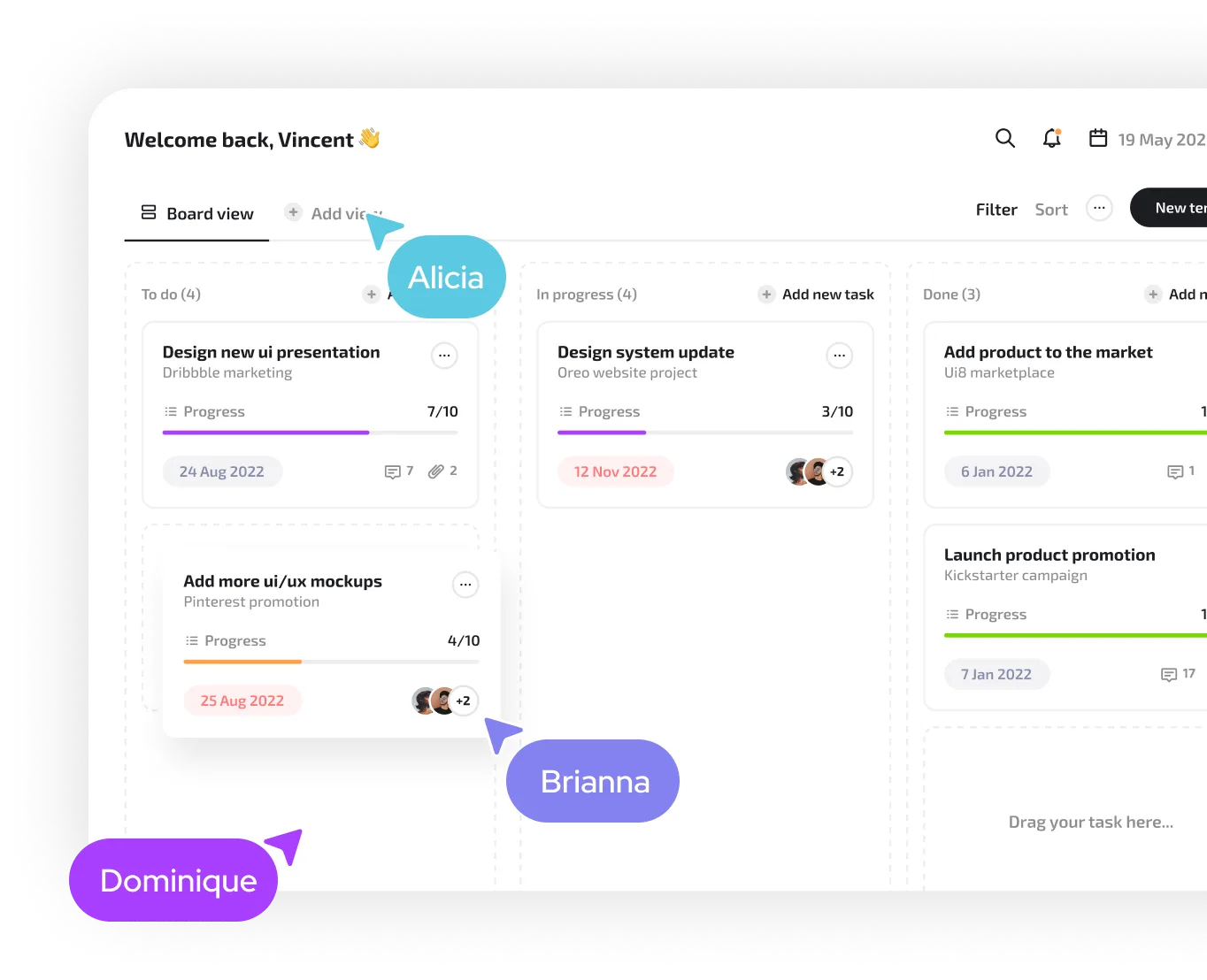
XOLBY all-in-one CRM dashboard screenshot

Instant Notifications for Faster Responses

Never miss a message again. With real-time alerts, you’re immediately notified when a customer reaches out through GMB, allowing your team to respond quickly and maintain high levels of engagement.

XOLBY integrating with social media platforms
Business owner reviewing sales metrics in XOLBY
XOLBY pricing plans displayed on screen
XOLBY vs competitors comparison chart
+2

Seamless CRM Syncing & Contact Management

All customer interactions through GMB are automatically logged and synced with your CRM. This ensures accurate contact details and conversation history, empowering your team with context-driven communication.
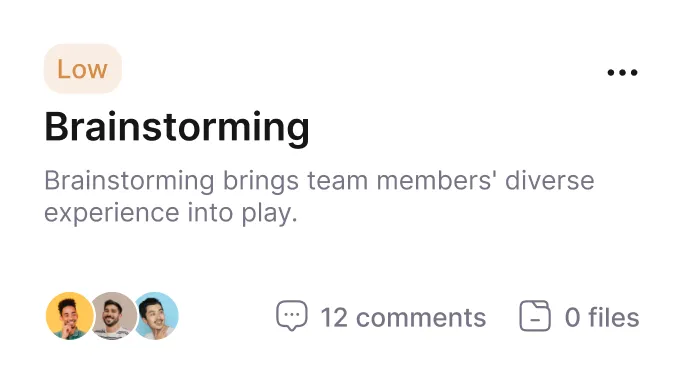
XOLBY marketing automation tools interface

Automated Replies & Smart Templates

Respond to frequent questions instantly with smart auto-replies or use customizable templates for common inquiries—saving time while maintaining a professional tone.
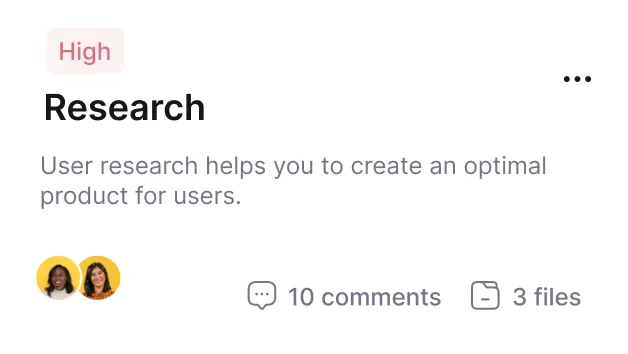
XOLBY user sending 2-way SMS from the platform

Team Collaboration Made Easy

Assign GMB messages to specific team members for quicker resolutions. Improve your internal workflow by ensuring the right team member handles the right conversation every time.
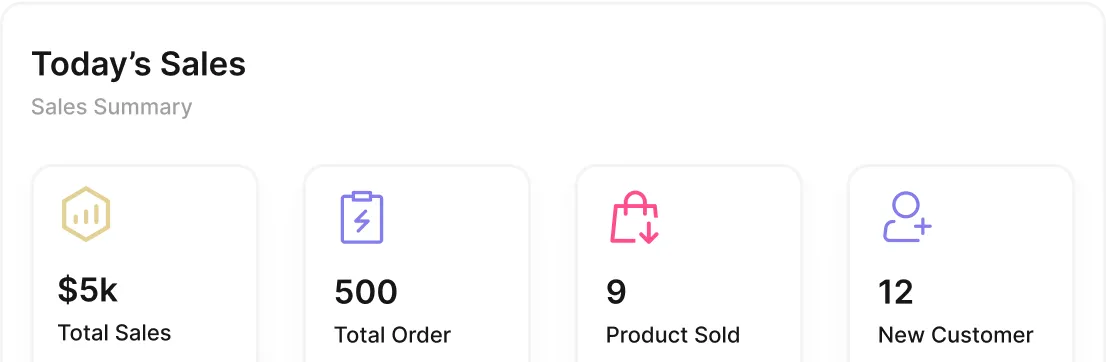
XOLBY drag-and-drop funnel builder in action

Mobile & Desktop Flexibility

Whether you’re at your desk or on the move, XOLBY’s GMB Messaging works seamlessly across devices—giving your team full communication control anytime, anywhere.

XOLBY email campaign editor with mobile preview

Empowering You with Advanced Capabilities

Timely, relevant responses directly through Google help build trust, improve customer experience, and increase the likelihood of turning inquiries into booked appointments or purchases.

Effortless Management

XOLBY’s GMB Messaging feature empowers businesses to interact directly with customers through their Google Business profile. Deliver timely answers, manage conversations seamlessly, and turn inquiries into conversions—all from one intuitive interface.
3000+
Local businesses onboard

Thousands of companies rely on XOLBY to connect with customers directly through Google search and maps.

5X
Faster response time

Businesses using GMB Messaging report significantly quicker replies to customer inquiries, improving satisfaction and trust.

8k
Conversations managed daily

XOLBY supports thousands of daily interactions, ensuring you stay on top of every opportunity.

250+
5-star reviews

Highly rated for ease of use, responsiveness, and real-world results from Google-based messaging.

XOLBY platform displaying lead management dashboard
XOLBY’s calendar booking and scheduling feature

Ready to get started?

Jump in with a 14-day free trial—no credit card needed. Experience how XOLBY simplifies tasks, boosts collaboration, and automates workflows in minutes.
XOLBY lead management dashboard with filters
XOLBY mobile app showing multi-channel conversations