Key Features of XOLBY Workflows
XOLBY’s Workflows automate business processes, ensuring tasks are completed efficiently. Create custom action sequences triggered by events like form submissions or purchases. This feature streamlines operations, freeing time for priority work. Use the drag-and-drop builder to design workflows without coding. Automate tasks like sending emails or updating records, enhancing productivity and customer experience.
Automate Business Processes
XOLBY Workflows let you automate repetitive and routine tasks triggered by client actions like form submissions or purchases. This ensures tasks are executed efficiently without manual intervention.
.webp)
Boost Team Productivity
By automating follow-ups, assignments, and updates, your team spends less time on repetitive admin and more time on strategic, growth-focused activities.




+2
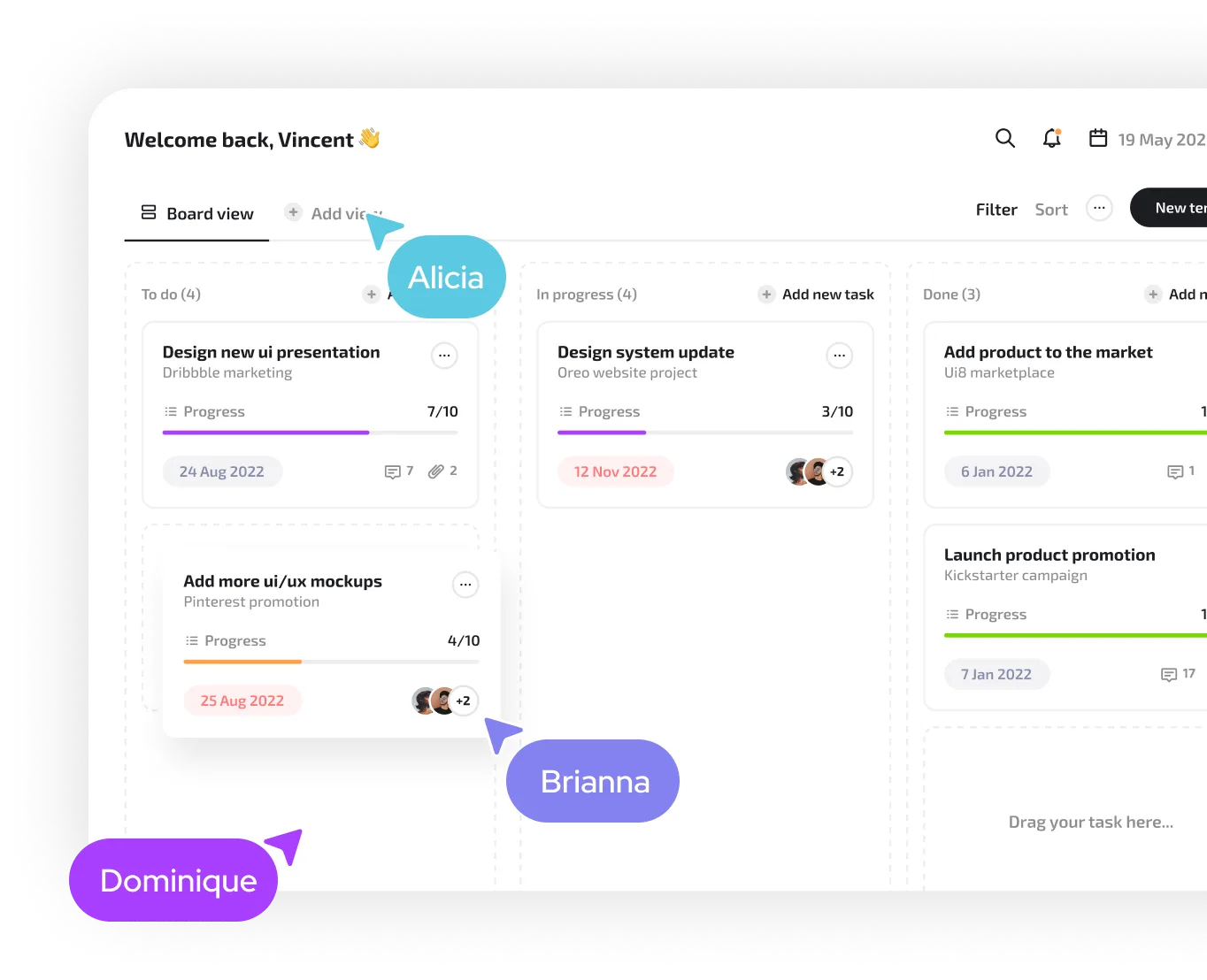
No-Code Workflow Builder
Design sophisticated automations using XOLBY’s drag-and-drop builder. It’s intuitive and requires no coding skills, allowing anyone to map out and launch workflows in minutes.

Event-Based Triggers
Workflows can be triggered by specific user actions—like sign-ups, email clicks, or status updates—so you can respond in real time with the right next step.

Personalized Customer Journeys
Automatically tailor communication and task sequences based on customer behavior, ensuring every lead and client receives a relevant and timely experience.
Improve Accuracy & Consistency
Reduce human error and standardize your processes. Workflows ensure each step is followed precisely, creating a more consistent and professional customer experience.



-min.webp)